This conversion exists because of a timing mismatch that a lot of European finance teams are living through right now. Banks have been moving to ISO 20022 and CAMT.053 for years, and many have already stopped offering MT940 downloads. Accounting and ERP software has moved more slowly, and a great deal of installed software still imports MT940 and nothing newer. The result is a file you cannot use and a system you cannot feed.
Neither end is easy to change. The bank's format is not negotiable, and replacing or upgrading an ERP is a project with a budget, a timeline, and a queue in front of it. In the meantime the statements still have to be loaded and the accounts still have to reconcile, every month.
Ledger Tome reads the CAMT.053 and writes an MT940 your software will accept. To be clear about direction: ISO 20022 is where all of this is going, and the right long-term answer is software that reads CAMT.053 natively. This is a bridge for the period before that happens, and it is worth knowing what narrows on the way across.
Why You're Stuck Between Two Formats
The migration is happening at two different speeds:
Banks moved first
CAMT.053 is the ISO 20022 statement standard, and across Europe it is increasingly the only format on offer.
Software moved later
Plenty of installed accounting and ERP systems import MT940 and have no CAMT.053 path at all.
XML is not a drop-in
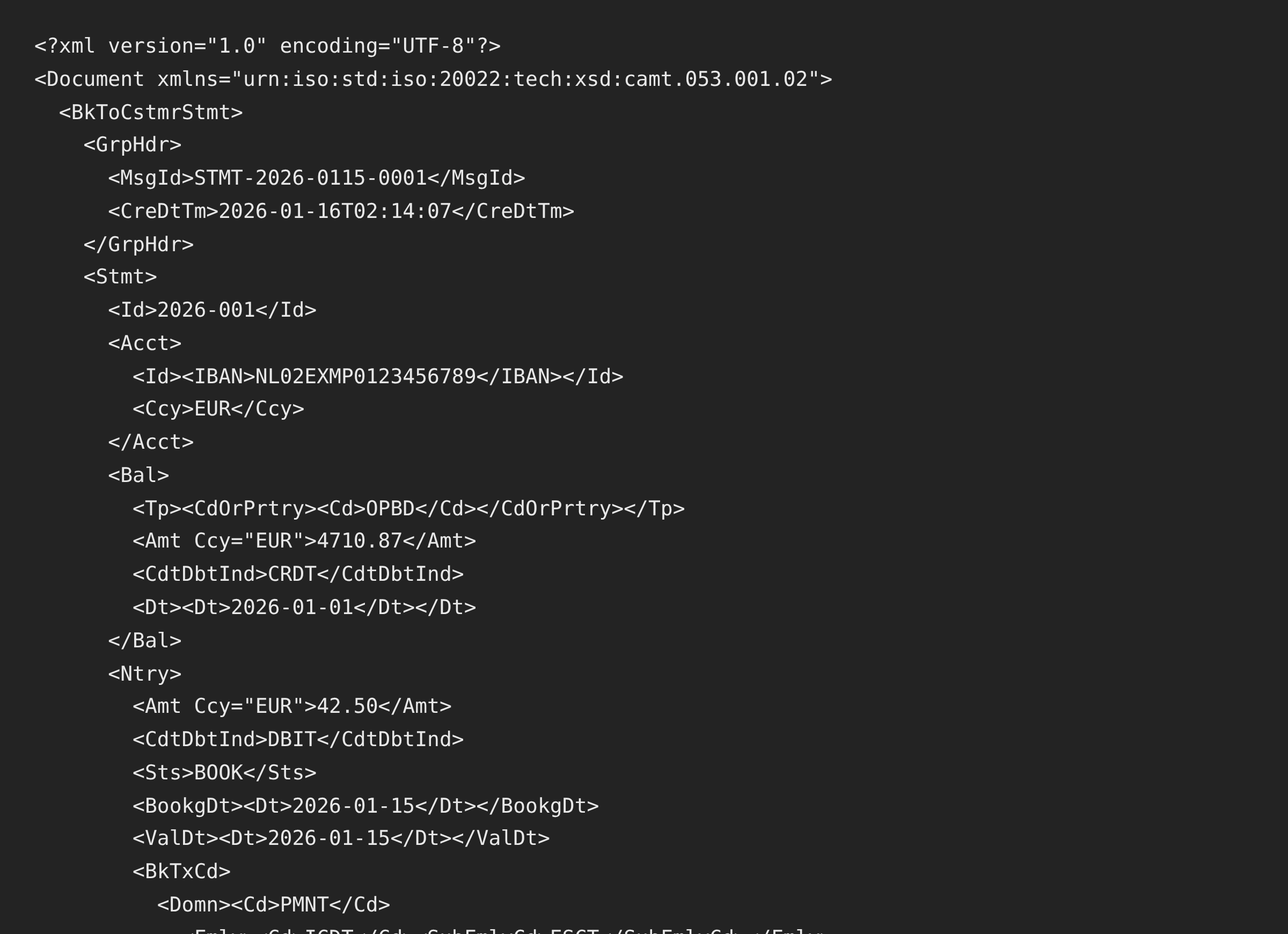
CAMT.053 is deeply nested XML. Software expecting flat tagged text cannot be persuaded to read it.
The gap is not yours to close
You cannot ask the bank to go back, and the software upgrade is somebody else's roadmap.
So the practical answer for the transition period is a conversion step, run monthly, until the software catches up.
CAMT.053 to MT940: What Transfers and What Narrows
CAMT.053 is a considerably richer format than MT940. Going backwards is a narrowing, and it is worth knowing exactly where.
What transfers
- Every entry's date, amount, and direction
- Opening and closing balances, carried into :60F: and :62F:
- The account, rendered IBAN-aware into :25:
- Descriptions, from structured remittance information into :86:
What narrows
- Structured remittance detail flattens into the :86: description text
- CAMT's detailed bank transaction codes have no equivalent field
- Additional balance types beyond opening and closing are not carried
- Per-entry references and party details beyond the description text
- Long descriptions wrap to :86:'s 65 character lines and limited line count
For most bookkeeping this is fine, because reconciliation runs on dates, amounts, and enough description to identify a payment, and all of that survives. It matters more if your workflow depends on structured references, for instance automated matching on a payment reference field. If that is the case, the conversion will feel lossy in a way that a simple bank reconciliation will not.
If your software is due an upgrade that adds CAMT.053 support, that is the better destination. This conversion is what keeps the books moving until then.
Migrating the other way, from legacy MT940 to ISO 20022? See MT940 to CAMT.053 . Just want to read the CAMT file? See CAMT.053 to Excel .
Common Ways to Handle the Format Gap
Ask the Bank for MT940
Worth one conversation. Some banks still offer it alongside CAMT.053, though the trend is firmly in the other direction and the option is being withdrawn.
Wait for the Software Upgrade
The correct long-term answer, and not a plan for this month's reconciliation.
Write an XSLT or Script
Technically possible, and a real piece of software to build, test, and maintain against CAMT's version variations.
Automated CAMT.053 to MT940 Conversion
Reads any CAMT.053 version, carries balances across, and writes a valid MT940. Free to start.
CAMT.053 to MT940: Method Comparison
| Method | Time Required | Accuracy | Best For | Cost |
|---|---|---|---|---|
| Bank MT940 download | Instant, if offered | Native | Banks still providing both | Free |
| Waiting for the upgrade | Months | Correct eventually | The long term | Project cost |
| Custom XSLT or script | Days to build, ongoing upkeep | As good as your tests | Teams with developers | Your time |
| Ledger Tome | Under a minute | Balances verified | Any CAMT.053 version | Free to start |
Why automated conversion wins during a transition: it works this month, and it stops mattering the day your software reads CAMT.053 directly.
How Ledger Tome Converts CAMT.053 to MT940
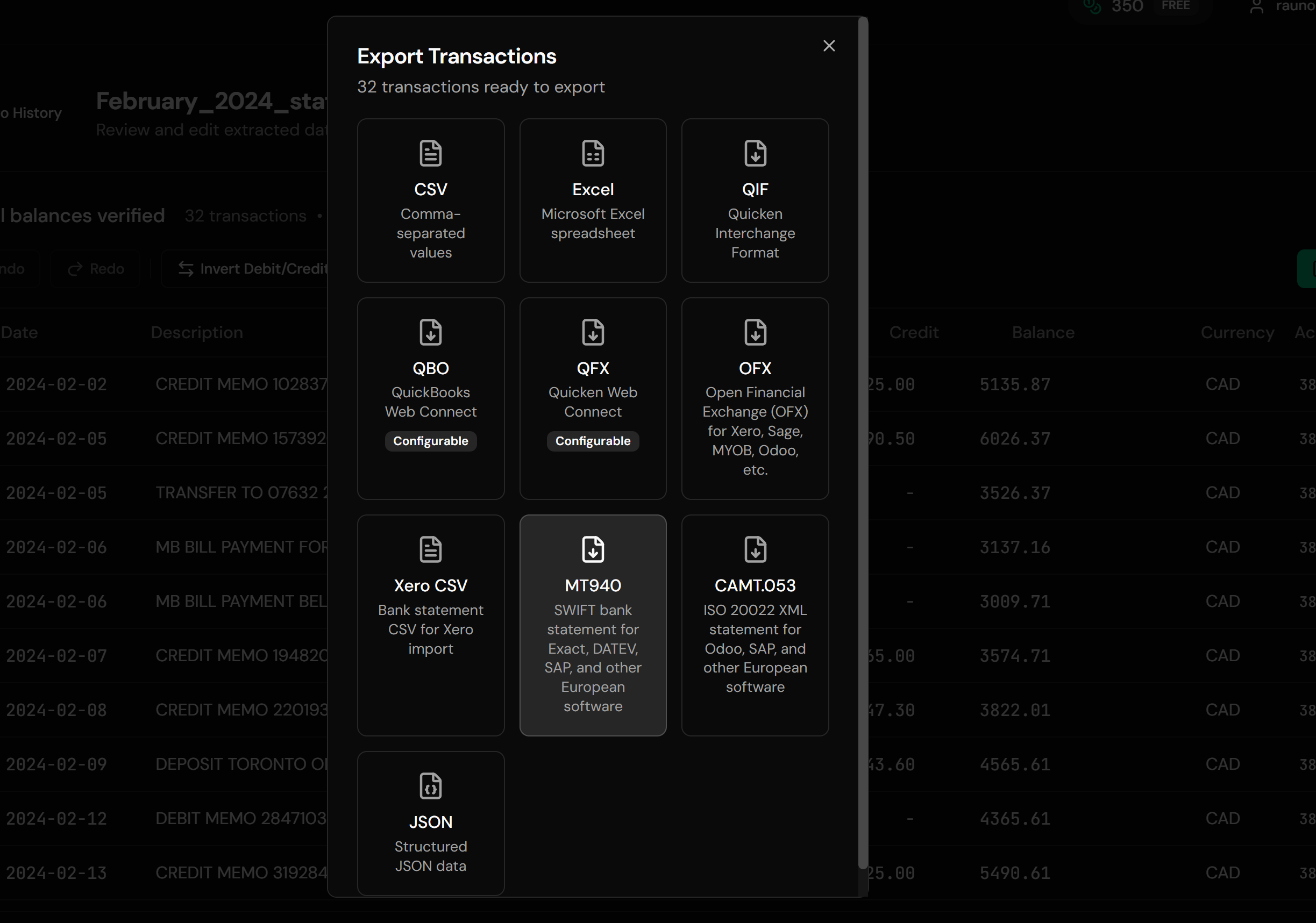
Ledger Tome parses ISO 20022 statements natively and writes the SWIFT format older software expects.
Upload
Upload your CAMT.053 .xml file
XML Parsing
Entries, balances, and remittance information read from the statement structure
Review & Verify
Check every entry and confirm the balances reconcile
Download MT940
A valid SWIFT statement file
Any camt.053.001.0x version parses regardless of how the namespaces are prefixed, and files without an extension are identified by content. Opening and closing balances are read from the statement's balance blocks, and the running balances are reconstructed and checked against the stated closing figure; where they disagree, the balances are omitted with a warning rather than presenting numbers the file does not support. Structured remittance information is joined into the description text, and long descriptions are wrapped to the :86: field's limits rather than cut off mid-word.
From ISO 20022 XML to a File Your Software Reads
Before: CAMT.053 XML
After: MT940 Statement
Use Cases for CAMT.053 to MT940 Conversion
Bank Retired MT940 Downloads
The single most common trigger for this conversion.
ERP That Predates ISO 20022
Installed systems with no CAMT import path.
Waiting on an Upgrade Project
Keeping the books moving while the roadmap catches up.
Multi-Entity Groups
Where one shared accounting system serves banks at different migration stages.
Legacy Reporting Pipelines
Downstream tools built around MT940's flat structure.
Swiss and Eurozone Accounts
Where CAMT adoption has run ahead of software support.
Who CAMT.053 to MT940 Conversion Is For
This type of conversion is commonly used by:
European Bookkeepers
Facing CAMT-only downloads and MT940-only software.
Finance Administrators
Loading statements into systems they do not control.
ERP Consultants
Bridging clients through the migration window.
Dutch & German Practices
Where MT940 workflows run deep.
Swiss Businesses
CAMT is already standard there, software support less so.
Anyone Mid-Migration
The gap between the bank's timeline and the software's.
Related Converters
Ledger Tome supports multiple input and output formats. Choose the one that fits your workflow:
The forward migration direction.
Reading CAMT files in a spreadsheet.
For software on the OFX side instead.
Statements that only exist as PDFs.
Reading MT940 files in a spreadsheet.
What Ledger Tome Does Not Do
For clarity and transparency, Ledger Tome does not:
- Access bank accounts directly
- Initiate or modify transactions
- File taxes or submit reports
- Replace accounting software
- Categorize transactions automatically
It focuses solely on converting statement data into structured, accounting-ready formats.
Security & Privacy
Your Financial Data is Protected
We take statement security seriously. Here's how we protect your data:
-
Encrypted in transit and at rest
TLS on everything moving in or out, AES-256 on anything stored
-
No one reads your statements
Conversion is automated end to end. A person only ever sees a document if you send it in yourself on a conversion that failed
-
Automatic Deletion
All uploaded files are permanently deleted after 7 days (or immediately upon request)
-
No Training Data
Your statements are never used to train AI models or shared with third parties
-
No Account Access
We never access your bank account directly or store your banking credentials
-
GDPR Compliant
Full compliance with data protection regulations
-
No Permanent Storage
We don't maintain a database of your financial information
Privacy First: We process your data solely for conversion purposes. No marketing, no data selling, no third-party sharing.
Frequently Asked Questions
How do I convert CAMT.053 to MT940?
Why would I convert to an older format?
Isn't MT940 being retired?
What gets lost in the conversion?
Which CAMT.053 versions are supported?
Will the balances be correct?
My file has several statements in it.
The file has no extension. Does that matter?
What about long payment references?
Will Exact, Twinfield, or my ERP accept the output?
Can I get the data in Excel too?
How much does it cost?
Troubleshooting Common Issues
The software rejected the MT940
Check the account identification and currency. Some systems also expect a particular statement number sequence across consecutive files.
Balances are missing from the output
This happens deliberately when the entries do not reconcile against the stated closing balance. Check the source file rather than the conversion.
Descriptions look shortened
The :86: field wraps at 65 characters across a limited number of lines, so CAMT's longer structured remittance text has to fit into less space.
Only part of a multi-statement file came through
Multi-statement files are combined into one account with a warning. Split the source file if the statements must stay separate.
Reference-based matching stopped working
MT940 has no structured reference field, so references live inside the description text. If your matching depends on a dedicated field, that is the part of CAMT that does not survive.
Summary
Banks across Europe moved to ISO 20022 ahead of the accounting software that has to consume it, which leaves finance teams holding CAMT.053 files their systems cannot read. Converting to MT940 bridges that gap with dates, amounts, descriptions, and verified balances intact, at the cost of CAMT's structured detail. It is a transitional measure, and the day your software reads CAMT.053 directly is the day it stops being needed.
If your bank sends CAMT.053 and your software wants MT940, Ledger Tome converts it in under a minute.
Ready to Bridge the Format Gap?
Stop being caught between a modernized bank and software that hasn't followed. Convert your first CAMT.053 file to MT940 in minutes.
Used by European bookkeepers, finance administrators, and ERP consultants