If your firm has more than one person handling bookkeeping, you've probably noticed that statement conversion gets done slightly differently every time. One person uses an online tool. Another exports from the bank's website when it's available. A third still types things in. The downstream work suffers from this without anyone quite naming why.
A standard operating procedure fixes the variation. The trick is writing one that gets read instead of filed away. Most SOPs fail because they're too long, too generic, or too divorced from where the work actually happens. The template below is short on purpose, opinionated where it needs to be, and meant to live next to the conversion workflow rather than in a separate "documentation" folder nobody opens.
Adapt it to your stack. The structure is what matters.
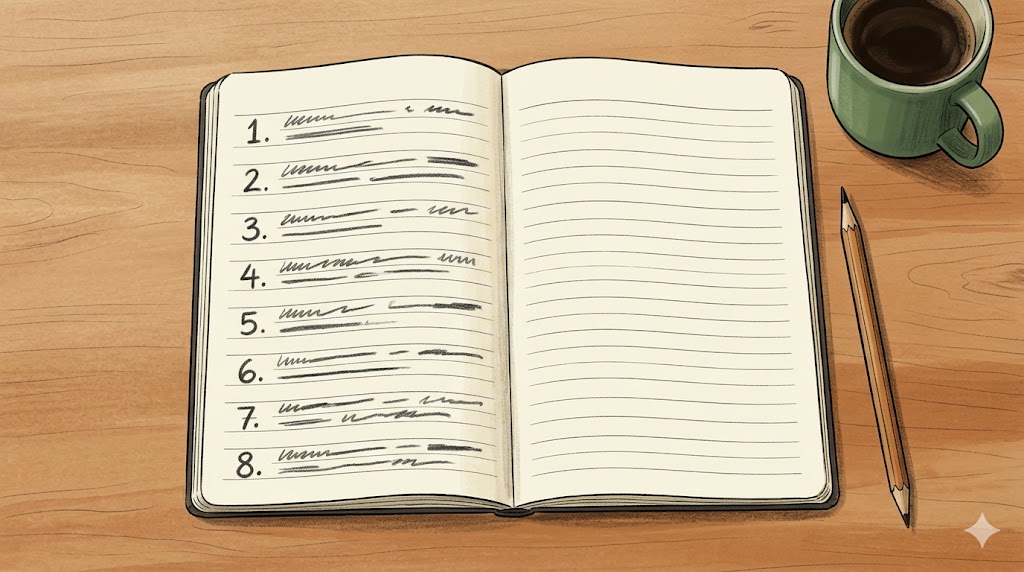
The eight-step template
Step 1: Intake. Pick one channel. Client portal, shared folder, or a dedicated email inbox, your choice, but commit to one. Every statement, from every client, comes through this channel. Note the received date in a tracking log. The most common cause of dropped work in a busy firm is a statement that arrived through an unusual channel and got lost.
Step 2: Completeness check. Open the PDF. Verify the statement period is what you expected. Verify the first and last pages are both present. Check the page count against the footer indicator (most banks include "page X of Y"). Thirty seconds here prevents the worst class of error: discovering halfway through reconciliation that page four is missing.
Step 3: Convert. Upload the PDF to your conversion tool and pick the output format the downstream system wants. CSV for general use. QBO for QuickBooks Online's bank feed. QIF for legacy software. Excel for any case where you want to do additional cleanup or analysis. JSON for custom pipelines. Save the converted file in the client folder using a consistent naming convention, for example, "ClientName_AccountName_YYYY-MM.csv".
Step 4: Spot-check. Open the converted file. Verify three things: first transaction date matches the original, last transaction date matches the original, and the sum of debits and credits matches the statement summary's totals. If all three pass, the conversion is trustworthy. If any fail, investigate before moving on. This is the step most people skip after a few months of using a tool, and it's the step that catches the rare edge case (wrapped transactions, sign errors, foreign currency surprises) before it cascades into reconciliation problems.
Step 5: Clean. Run your post-conversion cleanup pass, trim whitespace, standardize date format, apply any vendor name normalization your firm has built up. If you've got a normalization table, this is where it earns its keep. TRIM, CLEAN, and SUBSTITUTE handle most of the description cleanup. The cleaner the description data, the better any downstream categorization rules will fire.
Step 6: Import. Push the cleaned file into the accounting software. Confirm the import succeeded without errors. If the software flags duplicates against existing transactions, review them before accepting. These are usually either real duplicates that should be skipped or overlapping periods that weren't caught at intake.
Step 7: Archive. Move the original PDF and the cleaned converted file into the client's permanent archive folder, organized by year and month. Keep both. The PDF is your audit trail. The converted file is your working record.
Step 8: Log. Mark the statement as converted in your tracking log. This is what lets you see at a glance which clients are caught up and which aren't. It's also what saves you from asking a client for a statement you already received.
What separates an SOP that gets used from one that doesn't
The procedure above fits on one page. That's intentional. Anything longer gets skimmed.
The other moves that matter:
Put the SOP where the work happens. The right place is in the same shared folder or task management system where the conversion work actually lives. Not in some "documentation" wiki.
Run it yourself for a week before publishing. You'll find the missing steps and the unclear instructions. Fix them first. Nothing kills SOP adoption faster than a document the team knows is wrong.
Review quarterly. Tools change, bank formats change, software vendors change their import requirements. An SOP six months old without a review is usually six months out of date in at least one step.
Use it as the onboarding document. Hand it to a new team member with no other guidance. If they can do a conversion successfully, the SOP works. If they have to ask you questions at every step, fix the SOP rather than answering the questions.
The compounding effect of this kind of standardization is easy to miss in the short term and hard to ignore over a year. New hires reach competence in weeks instead of months. Mistakes drop because the spot-check is built in. The dread of the end-of-month rush shrinks because every conversion goes through the same predictable steps. Writing this SOP is really just one month of a larger sequence; if you're modernizing the whole practice, phase the changes in one at a time over a year rather than all at once. The same eight steps also scale to a project: when a client hands you twelve months at once, the intake and conversion steps run as a single batch before any reconciliation starts.
A page of clear procedure beats a binder of comprehensive policy. Write the page. Put it where the work lives. Update it when reality changes. That's the entire game.
Visit Ledger Tome